

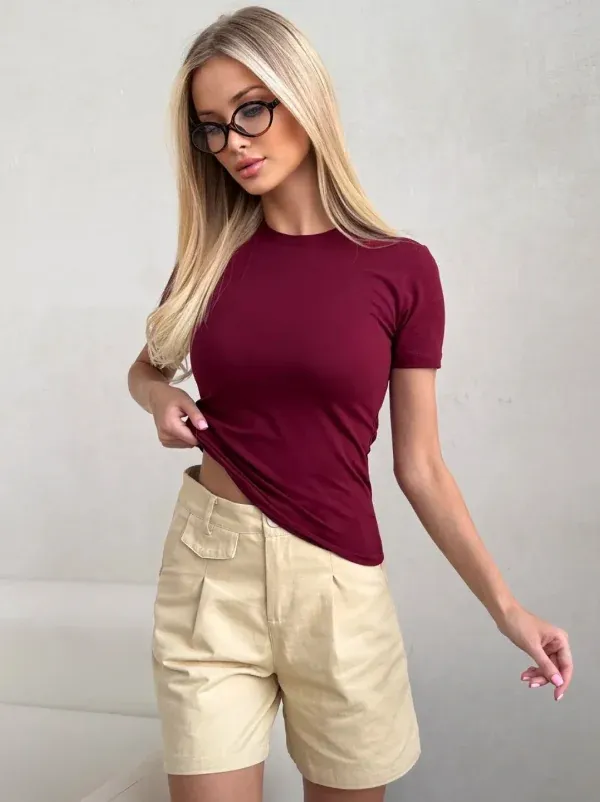


Wide selection
Women’s, men’s and children’s clothing, shoes, electronics, home goods and accessories from many shops, all in one place.
The app is ready to download
A wide choice, fair prices and easy shopping. Download the 2020mall app and find everything you need in one place
Inside the app
From finding a product to receiving your order, it all happens on your phone.
Take a picture of something you like or pick one from your gallery, and the app finds similar products. Plain text search works too.
Clothing, shoes, sportswear, accessories and hundreds more sections. Price, colour and size filters narrow things down fast.
Trending, Top and Sale labels show you where to look, and the old and new price sit side by side on every card.
Check out from your cart in a few steps and follow the status under Orders. When something changes, you get a notification.
Why 2020mall
Women’s, men’s and children’s clothing, shoes, electronics, home goods and accessories from many shops, all in one place.
The final price and the discount show right on the product card. Offers and promo codes are there too.

 Balance
Pay with an Uzcard or Humo card, or from your in-app balance. Save a card to check out faster next time.
Across Tashkent and the regions. You see the estimated delivery date before you order.
Open shop pages and stories to see new arrivals among the first.
Write to the Help Center right in the app. The app speaks Uzbek, Russian and English.
Categories
A few sections from over 1500 categories.
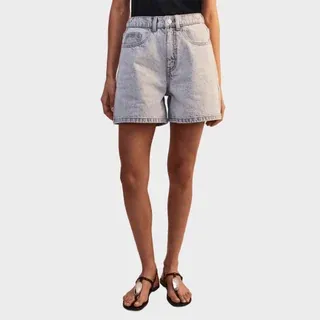 Shorts
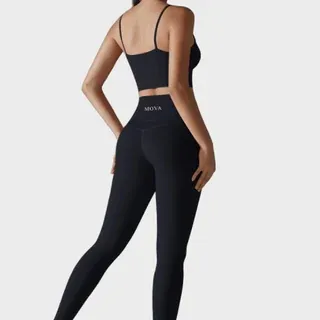 Sportswear
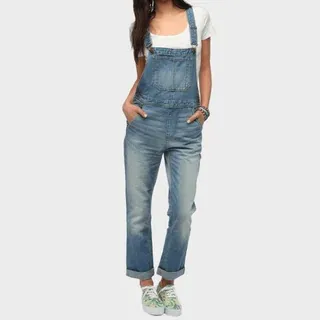 Jumpsuits
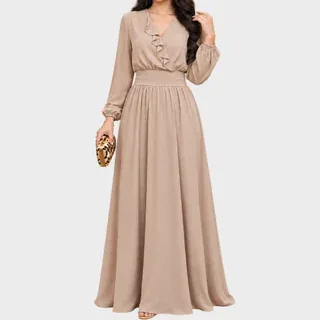 Dresses
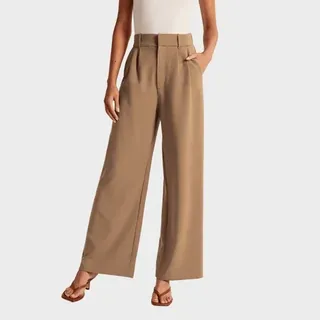 Trousers
 Blazers & suits
 Outerwear
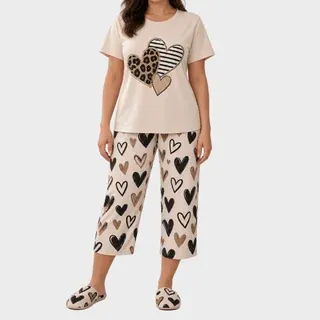 Homewear
 T-shirts & polos
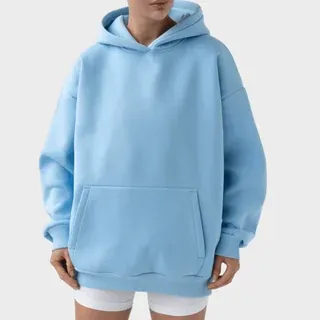 Hoodies & sweatshirts
Getting started
Install 2020mall from the App Store or Google Play. It’s free.
Browse categories or search, and add what you like to your cart.
Pick your address and payment method, then follow the order in the app.
Questions
On the App Store for iPhone and on Google Play for Android. Search for “2020mall” in your app store or tap the buttons on this page.
No, downloading and using the app is free. You only pay for your products and delivery.
With an Uzcard or Humo card, or from your in-app balance. You choose the payment method at checkout.
The estimated delivery date shows on the product card and in your cart. You can follow the status under Orders, and you get a notification when it changes.
Yes. The conditions and time limits are in the app, on the Return policy page.
Write to the Help Center in the app, or email 2020mallorg@gmail.com.
Download the 2020mall app and place your first order today.